How does My Endpoint Protector work?
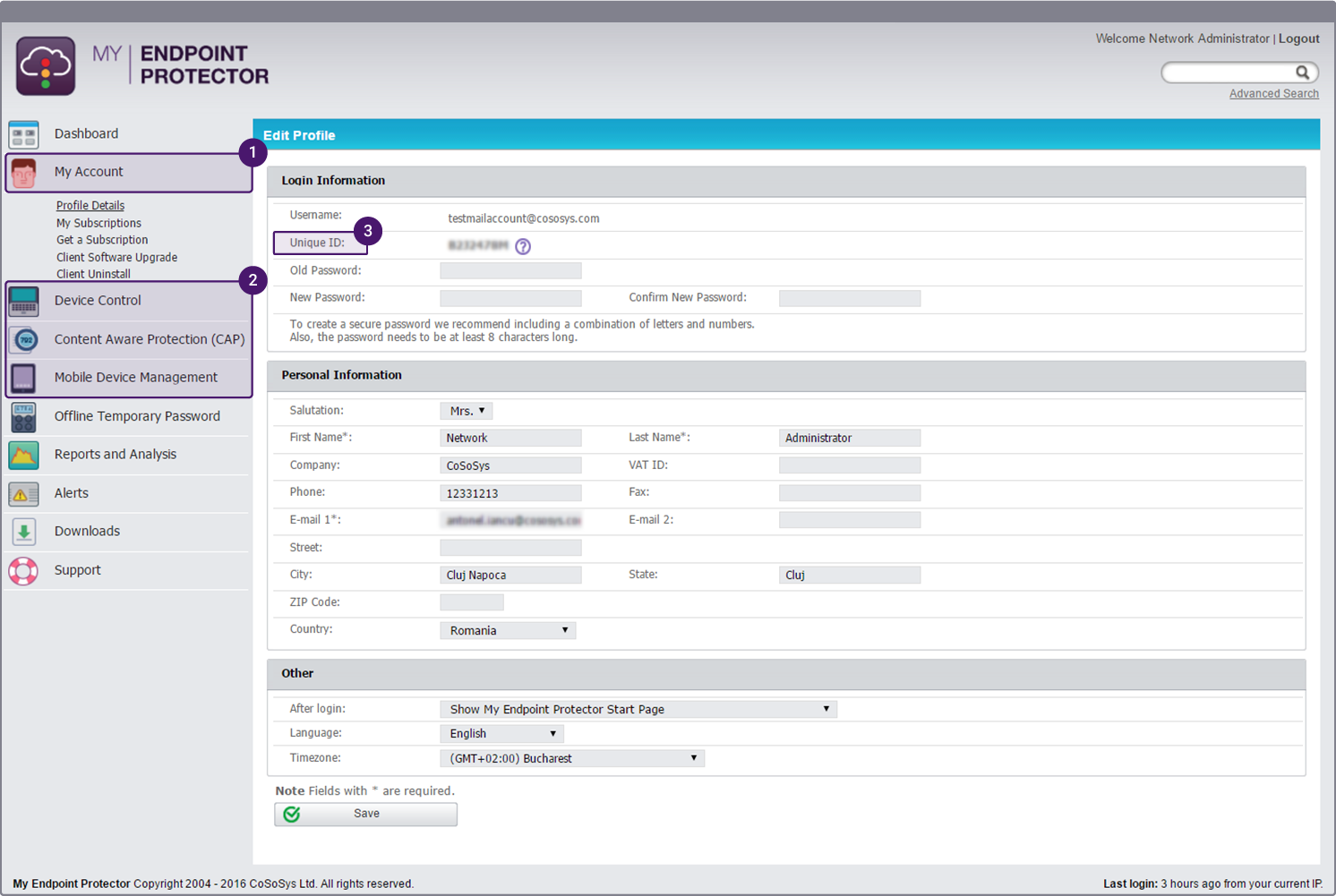
After creating an account for My Endpoint Protector you can manage proactively the use of portable devices on all protected PCs directly from the My Endpoint Protector interface. To do that, simply download a small client application that will be installed on all PCs/Macs you want to protect and manage with My Endpoint Protector. This will protect your PCs/Macs against threats like data theft, data loss or data leakage that are caused by users that copy data to and from unauthorized devices.
See How it Works Video
How does My Endpoint Protector work?
After creating an account for My Endpoint Protector you can manage proactively the use of portable devices on all protected PCs through My Endpoint Protector. To do that you simply download a small client application that will be installed on all PCs you want to protect and manage with My Endpoint Protector. This will protect your PCs against threats like data theft, data loss or data leakage that are caused by users that copy data to and from unauthorized devices.
See How it Works Video
What devices can I manage with My Endpoint Protector?
You can mange almost all common devices that are used to carry data:
- USB Devices
- USB Flash Drives (Normal USB Drives, U3, etc.)
- iPhones / iPads / iPods
- Smartphones / Blackberry / PDAs
- Digital Cameras
- MP3 Player / Media Player Devices
- CD/DVD-Player/Burner (internal and external)
- Memory Cards (SD, MMC, CF, Smartcard, etc.)
- external HDDs (incl. sATA HDDs)
- Printers
- Floppy Drives
- Card Readers (internal and external)
- Webcams
- WiFi Network Cards
- FireWire Devices
- Biometric Devices
- Bluetooth Devices
- ZIP Drives
- ExpressCard SSD
- Wireless USB
- Serial Port
- Teensy Board
- PCMCIA Storage Devices
What can I do with My Endpoint Protector?
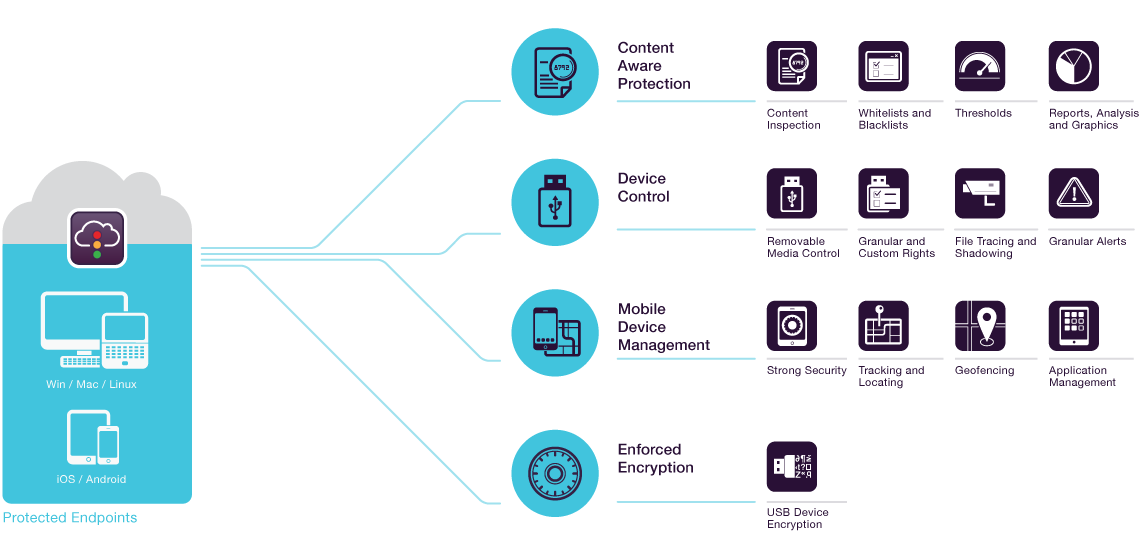
With My Endpoint Protector you are putting an end to data loss, data theft and data leakage caused by rogue Flash Drives or other uncontrollably used portable devices in your network and on your PCs. With My Endpoint Protector you can monitor and control proactively what devices are allowed (device Whitelisting) and what devices and ports are not allowed to be used. From controlling USB ports to WiFi, printers and many other devices, My Endpoint Protector can be used to monitor what data is being transferred.
How many PCs can I secure with My Endpoint Protector?
You can protect from one PC up to hundreds of PCs with My Endpoint Protector and manage all of them centrally through the My Endpoint Protector web interface.
What is the difference between Endpoint Protector and My Endpoint Protector?
Endpoint Protector is a client–server application that requires for the Endpoint Protector server to run as (hardware or virtual appliance) in your local network to which all Endpoint Protector protected computers (Windows or Mac) connect to. With My Endpoint Protector the server is hosted in the cloud (somewhere on the internet in a secure data center) and all protected computers connect to that location where you can manage them.
With My Endpoint Protector you have no need run your own Endpoint Protector server. Using My Endpoint Protector will help you reduce costs due to less hardware requirements and it saves you time since the setup just takes minutes.
Another difference between Endpoint Protector and My Endpoint Protector is the set of features it offers. My Endpoint Protector has some features less than Endpoint Protector, for example File Tracing and File Shadowing is only available with Endpoint Protector.
How long does it take to secure my PCs?
After setting up your My Endpoint Protector account you will need for each client PC that you want to protect just one minute to install the My Endpoint Protector client on it and to enter the unique ID. Then the client automatically connect to the My Endpoint Protector server and your account and gets the security policy that you configured for it from there.
How long is the free trial (commercial subscription)?
The free trial allows you to protect up to 3 PCs with one My Endpoint Protector account for 10 days.
Can I cancel my account anytime?
Yes. Your Account is risk free and does not require any purchase or cancellation after the end of the trial.
How can I buy My Endpoint Protector?
My Endpoint Protector is a service (Software as a Service) that you can subscribe to. You can build your own individual subscription based on the number of computers (Windows and/or Mac) you want to protect and for what period you want to protect them. Subscription periods range from 3 to 36 months.
Does it matter where my PCs are located?
No, with My Endpoint Protector you can protect PCs that are located anywhere in the world. Also if you have a network in which many PCs are used by employees travelling or working from home anytime they have an internet connection you can manage and monitor their device use. Even if the PCs have no internet connection they are protected with the last policy that has been saved on the PC.
Can I protect Windows PCs and Macintosh?
Yes, with My Endpoint Protector you can protect Windows XP, Windows Vista and Windows 7 PCs (all editions, 32bits/64bits). With My Endpoint Protector you can also protect Mac OS X 10.5+ computers. For all operating systems we recommend you to have the latest Service Packs/Updates installed.
Can I protect my Mac with My Endpoint Protector?
Yes, with My Endpoint Protector you can protect Mac OS X computers and Windows PCs.
Can I use My Endpoint Protector for free?
Yes, if you want to use My Endpoint Protector on your home PC or personal Mac you can use it for free.
The personal account is limited to 3 computers (PCs or Macs) connecting to your account in the cloud.
What features does My Endpoint Protector include?
Text